
Features
Everything a laundromat throws at you, handled.
Built around how repairs actually happen: an attendant spots it, a contractor fixes it, and you need to know what it cost. Here’s the whole system.
01 — The one nobody else has
Bilingual work orders — translated both ways, automatically.
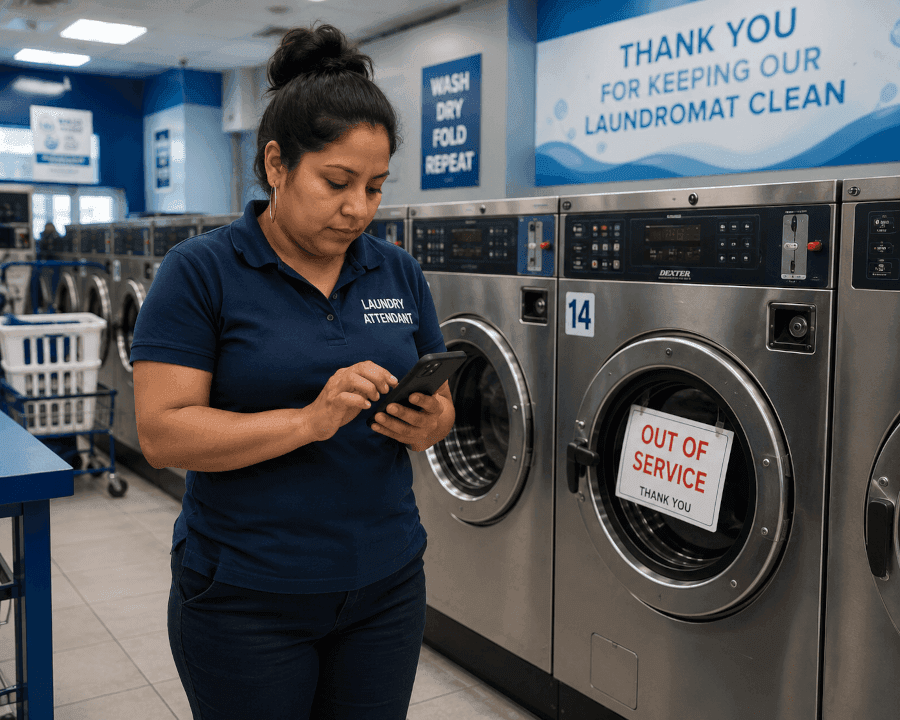
Everyone sets their language on their profile — and that’s the language they work in. A Spanish-speaking attendant writes a work order in Español; the English-speaking tech receives it in English. The tech replies in English; the attendant or manager reads it back in Español.
Nobody translates, nobody guesses, nothing gets lost between the floor and the toolbox. It just works — in both directions.
María · attendant — profile: Español
WRITES IN ESPAÑOLMarcus · technician — profile: English
READS IN ENGLISHWasher #14
Downtown Wash
printed label — scan with any phone camera
02 — Report from the machine itself
A QR sticker on every machine.
Print labels, stick them on. Anyone — attendant, tech, even you on a store visit — points a phone camera at one and lands on that exact machine: status, open repairs, full history, and a one-tap “report issue” button that already knows which machine it is. No app to install, no menu to navigate.
03 — Contractors without the chaos
Outside vendors get a link, not an account.
Most laundromat repair is contracted out. Send your repair company a private link to one specific job: they see the machine, the problem, and the history, and can post updates, photos, and status changes — with no login, no account, and no visibility into anything else in your business. Revoke it anytime.
Dryer #07 — heating element
NO LOGIN NEEDEDA&M Appliance · Tue 9:40am
Part ordered — element + thermostat. ETA Thursday.
A&M Appliance · Thu 1:15pm
Installed and tested. Photo attached. Marking repaired.
Status: Repaired — awaiting back-in-service check
Earning its keep — Downtown Wash
Dryer #05: $1,840 repair spend · 11 days down this year · 9% of total cost burden → replacement watchlist
04 — Know which machines earn their keep
Machine-level profitability.
Every machine ranked by revenue contribution, annual cost burden, repair spend, downtime cost, and share of your total burden. Machines that cross the line land on a replacement watchlist — a number you can budget against instead of a hunch.
05 — Set it once
Preventive maintenance that runs itself.
Put a machine on a schedule once. Work orders generate automatically before the morning shift, arriving with their checklist already attached. Completing one rolls the schedule forward. Nobody has to remember — that’s the point.
Quarterly service — Washer bank A
AUTO-GENERATED 5:00AMCompleting this rolls the schedule to October 29.
Repair closed
Tue, 2:14pm
Earning again
Wed, 9:30am
19 hours of revenue lost after the repair was “done.” Now you know.
06 — The number that maps to lost revenue
Downtime, measured honestly.
Most systems stop counting when the repair is marked finished. We separate “the repair is done” from “the machine is earning again” — and measure the second one, because that’s the one costing you quarters.
Built for the people on the floor, too.
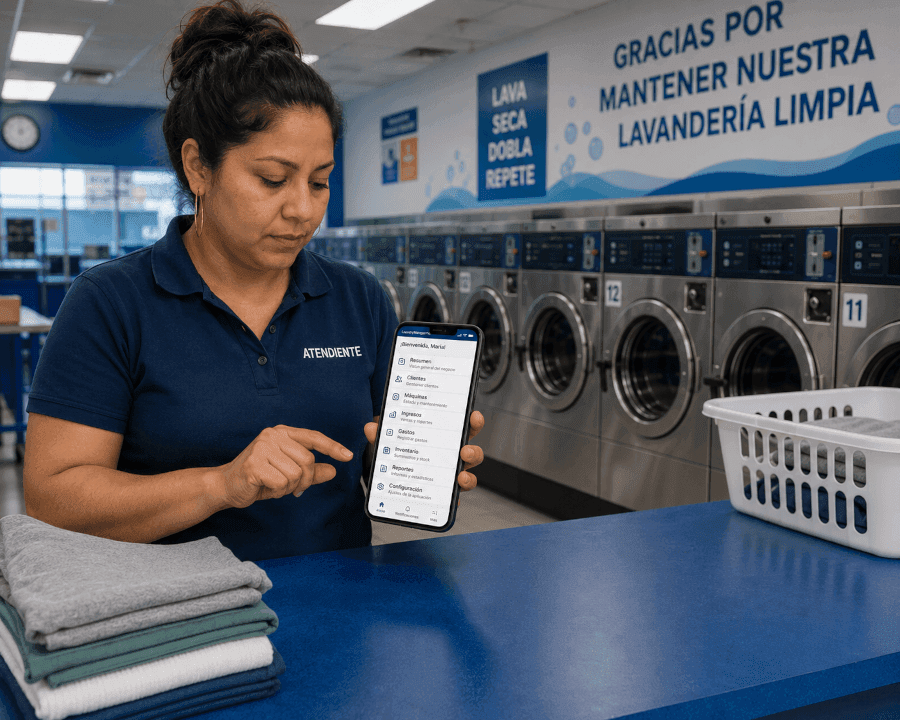
Your attendants are hourly, often Spanish-first, and they’re the ones standing next to the machines. The whole interface — every screen, about 4,800 strings — runs in English and Español, switchable from anywhere. And it goes beyond the interface: work orders themselves are translated between languages automatically, both directions. Techs get their assigned work, photos, and machine history on any phone in the browser.
Plus the tools around the edges.
All included at every location. No tiers, no add-ons, no seat math.
Multi-store comparison
Locations ranked against each other across nine dimensions, with repeating patterns called out. Answers “which store is the outlier, and on what.”
Staff see only their stores
Technicians and attendants scoped to specific locations, enforced at the database level. A tech assigned a job can open that job even without store access.
Parts & truck stock
Catalog with reorder levels and low-stock alerts, plus parts assigned to a specific technician’s van — know what’s on board before driving.
Utility bills with anomaly detection
Log water, gas, electric, and sewer per location. A bill over 1.5× that location’s rolling average raises a flag.
Vendor scorecards
Compare repair companies on volume, overdue rate, average spend, downtime while they held the job, and how often their work came back.
Monday morning digest
A weekly email summarizing aging repairs, machines down too long, and overdue maintenance — before the week gets loud.
Floor plan view
Drag machines into their real positions, color-coded by status, so the screen matches the floor.
Fleet import
Paste your existing machine list straight from a spreadsheet, with row-by-row validation.
See it against your own stores.
Tell us how many locations and machines you run, and we’ll walk you through exactly what week one looks like.